How to Wire a Foot Switch: COM, NO and NC Explained
A step-by-step foot switch wiring guide — what COM, NO and NC mean, wire colours, start-on-press vs fail-safe stop wiring, using a relay for motors, and common mistakes.
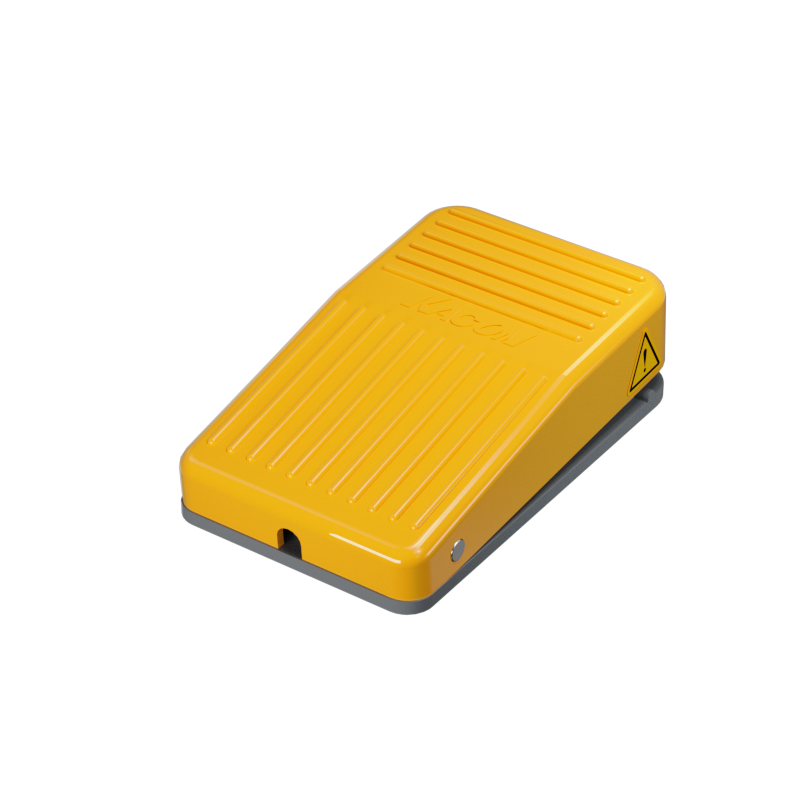
Wiring a foot switch looks intimidating but comes down to three terminals — COM, NO and NC — and one decision: should the action happen when you press, or when you release? This guide explains the terminals, shows the contact switching in motion, and walks through the two common wiring patterns plus the mistakes to avoid.
The Three Terminals
- COM (Common): the shared terminal that current always flows through.
- NO (Normally Open): open at rest, closes when you press — use it to start / run on press.
- NC (Normally Closed): closed at rest, opens when you press — use it to stop on press and for fail-safe circuits.
KACON wire colours: on most KACON pedals the cable follows WHITE = COM, RED = NO, BLACK = NC. Always confirm against the wiring drawing supplied with your specific model.
How the Contact Switches
Inside the switch, COM is a moving arm. At rest it touches NC; press the pedal and it swings over to NO. Watch it switch:
Wiring Pattern 1 — Start / Run on Press (COM + NO)
Connect your control circuit across COM and NO. The circuit is open at rest and closes while the pedal is pressed — perfect for "run while held" functions. This is the most common foot-switch wiring.
Wiring Pattern 2 — Stop on Press / Fail-Safe (COM + NC)
Connect across COM and NC. The circuit is closed at rest and opens when pressed. Because it relies on a contact that is closed during normal operation, a cut or disconnected wire also opens the circuit — so use NC for safety-stop functions (fail-safe).
Don't Switch a Motor Directly
A foot switch's contacts are rated for control-level current, not motor loads. To control a motor, pump or heater, wire the foot switch to the coil of a relay or contactor, and let the relay/contactor switch the power. This protects the pedal contacts and extends their life.
Step by Step
- Power off the equipment.
- Identify COM, NO, NC (by terminal marking or wire colour).
- Choose NO (start on press) or NC (stop on press / safety).
- Wire COM + your chosen terminal into the control circuit (via a relay for motors).
- Test at low risk before full operation.
Common Mistakes
- Using NO for a safety stop (should be NC, fail-safe).
- Switching a motor directly through the pedal (use a relay).
- Exceeding the contact rating — check the datasheet.
FAQ
Q: My pedal has white, red and black wires — which is which?
On KACON pedals: white = COM, red = NO, black = NC (confirm on the drawing).
Q: What is a "1C" or "changeover" contact?
One that brings out COM, NO and NC together (SPDT), so you can wire either function.
Need Help Specifying?
KACON foot switches are available with NO, NC and changeover (1C) contacts, single or multi-gang. Send us your circuit and we'll recommend the right model and contact configuration.